Tracking birthdays in a spreadsheet works when your team is 20 people. At 200, someone’s anniversary slips through the cracks. At 500, your People Ops team is spending hours every week on data entry that should be happening automatically. The milestones don’t stop, but your ability to keep up with them manually does.
That’s the reality for a lot of growing companies trying to run an employee rewards program without proper tooling. The intention is there, but the execution breaks down when you’re juggling spreadsheets, calendar reminders, and Slack messages just to make sure someone’s five-year anniversary doesn’t go unnoticed. And when employee rewards feel inconsistent or forgotten, the impact on morale is real.
PerkUp’s HRIS integrations solve this by connecting your employee directory directly to your rewards program. Connect once, and PerkUp handles the rest: syncing your people data and triggering the right reward at the right time, without anyone lifting a finger.
How quickly can you connect your HRIS to PerkUp?
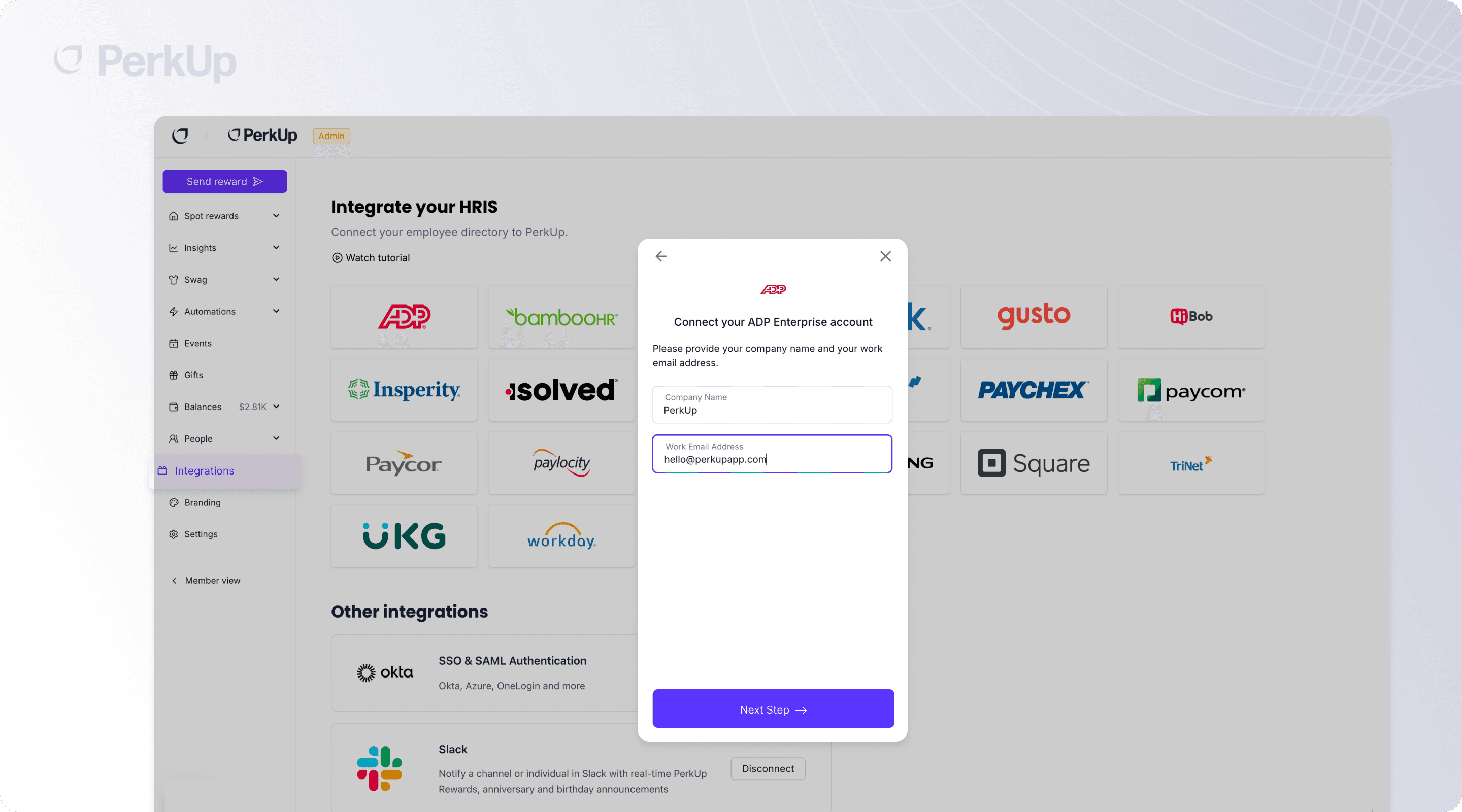
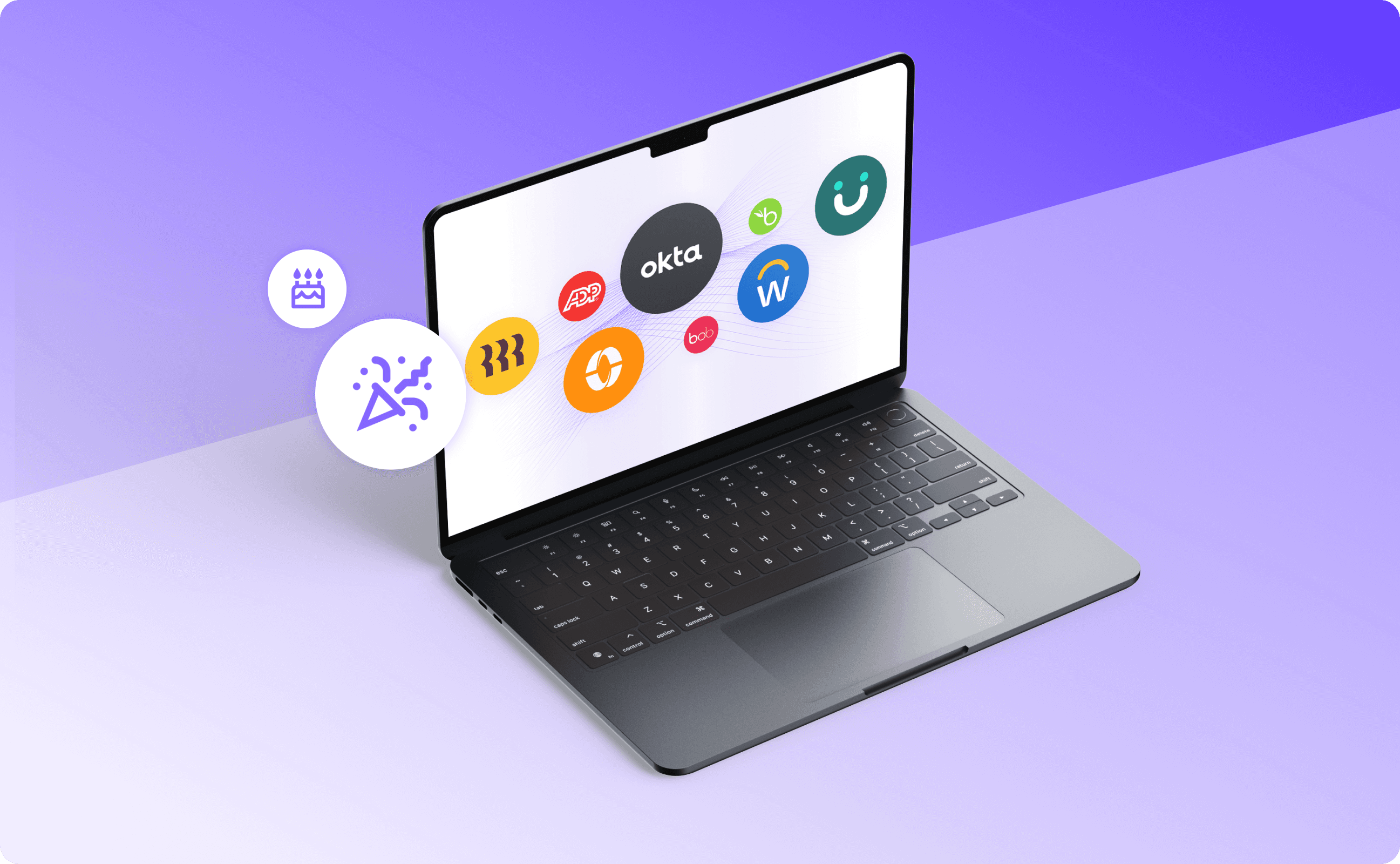
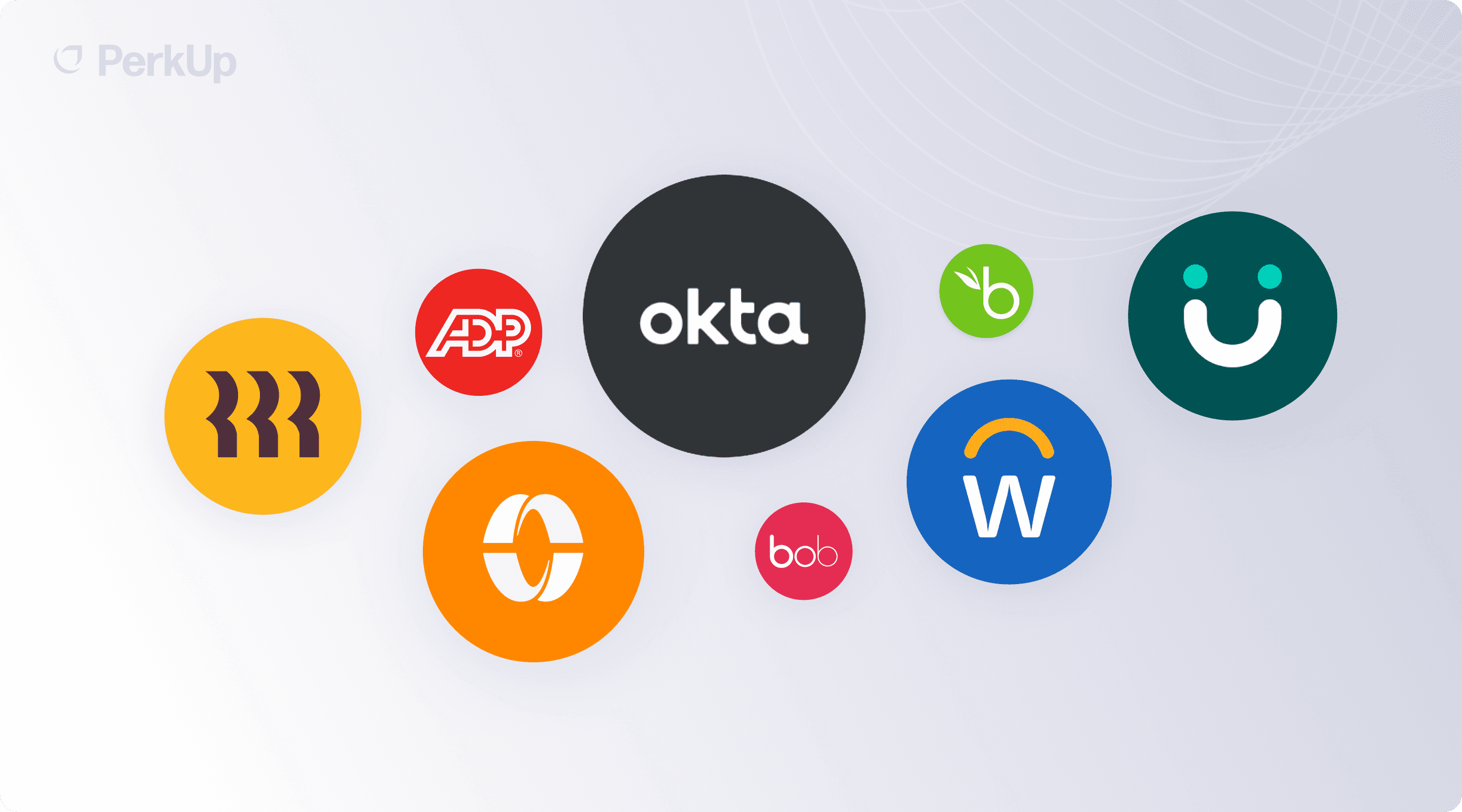
PerkUp integrates with 25+ HRIS and payroll providers, so chances are your system is already supported. The setup takes minutes, not weeks, and there’s no engineering work required. Select your provider, authorize the connection, and your employee data starts flowing into PerkUp immediately. Here are some of the platforms PerkUp connects with:
ADP Run, ADP Workforce Now, ADP TotalSource
BambooHR, Deel, Deltek, Gusto
HiBob, Insperity, iSolved, Justworks
Namely, Paychex, Paycom, Paycor, Paylocity
QuickBooks Payroll, Rippling, Square Payroll
TriNet, UKG Pro, UKG Ready, Workday, Zenefits
And hundreds more through PerkUp’s integration network.
This kind of HRIS automation means you can go from zero to a fully automated employee rewards and recognition program in a single afternoon. No implementation fees, no multi-week timelines.
What employee data does PerkUp sync from your HRIS?
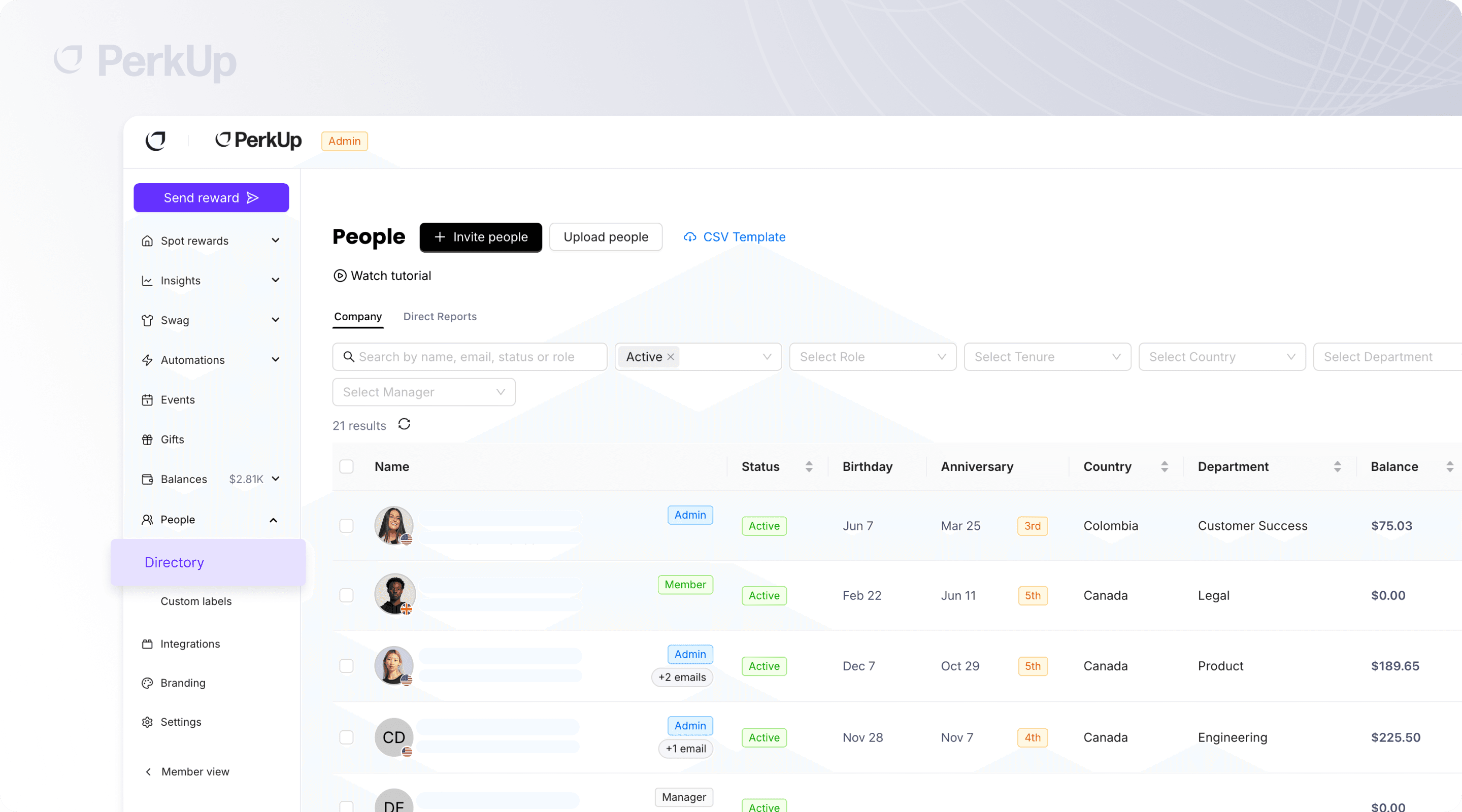
Once connected, PerkUp automatically pulls in the employee data that powers your automations. Here’s what flows in from your HRIS integration:
Names and emails so rewards reach the right person
Start dates for new hire kits and work anniversary milestones
Birthdays for automated birthday gifts
Departments, locations, and custom labels for targeted rules
Manager relationships so the right people get notified
Employment type, including full-time, part-time, contractors, interns, and seasonal workers
Data stays in sync automatically. When someone joins, gets promoted, or changes departments in your HRIS, PerkUp reflects that. No CSV uploads, no manual updates, no stale data. This always-current sync is what makes PerkUp work as a reliable employee gifting platform.
What can you automate with PerkUp’s HRIS integrations?
PerkUp turns your synced employee data into four powerful automations that run on their own once configured. Each one is designed to handle a different type of milestone, so your team can focus on the moments that matter instead of the logistics behind them.
New hire kits
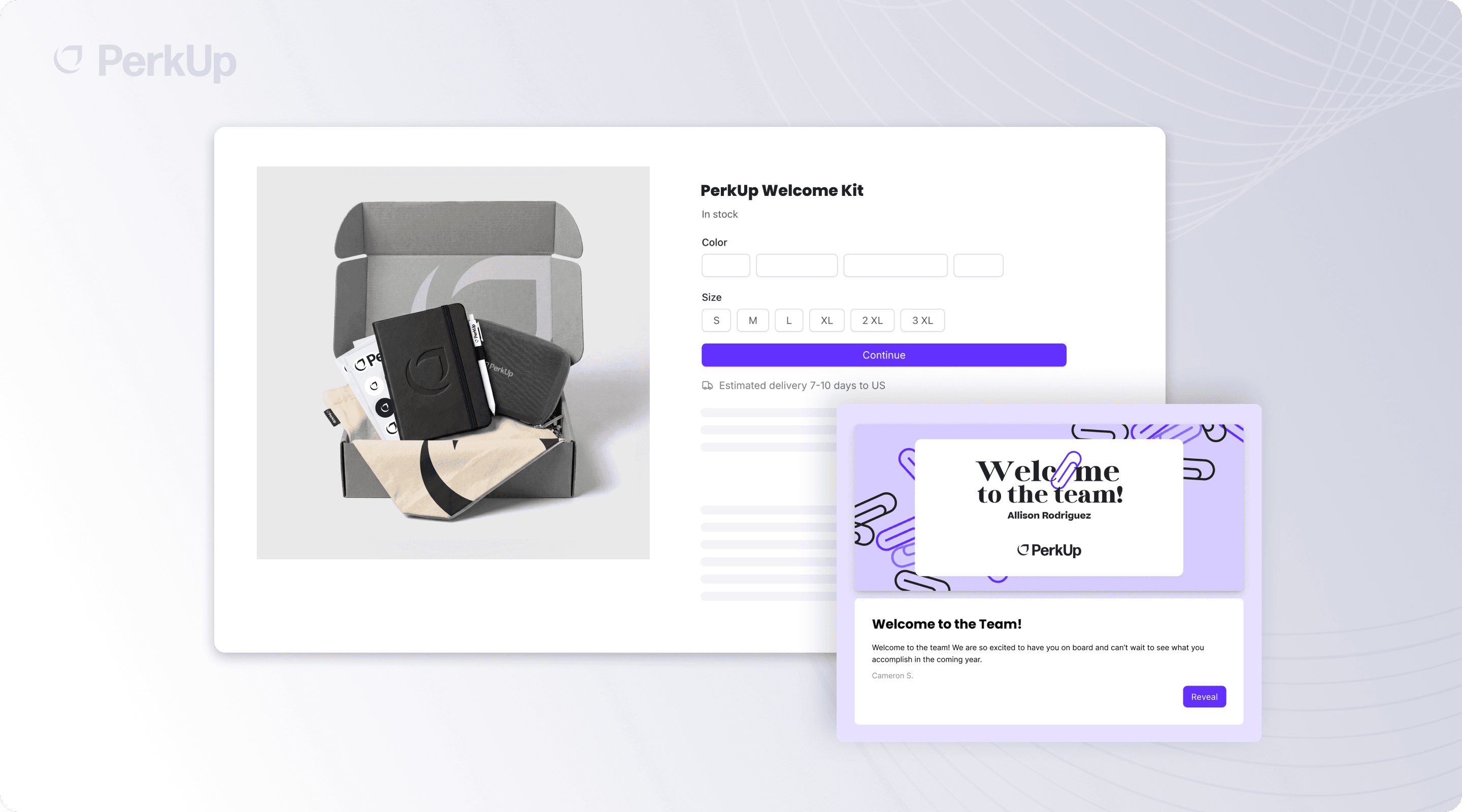
First impressions set the tone for someone’s entire experience at your company. With PerkUp, you can automatically send new hire gifts or employee onboarding gifts timed to a new employee’s start date, before they even walk through the door.
Set the timing that works for your team. Send the kit seven days before their start date so it’s waiting on their desk. Send it on their first day. Or send it a week in so it arrives after the initial onboarding automation whirlwind settles.
PerkUp also includes grace days, a buffer window that catches employees whose records land in your HRIS a few days late. If someone’s start date was yesterday but their record was just added today, they won’t fall through the cracks. No more Slack messages asking “Did anyone order swag for the new hire starting Monday?”
Work anniversary rewards
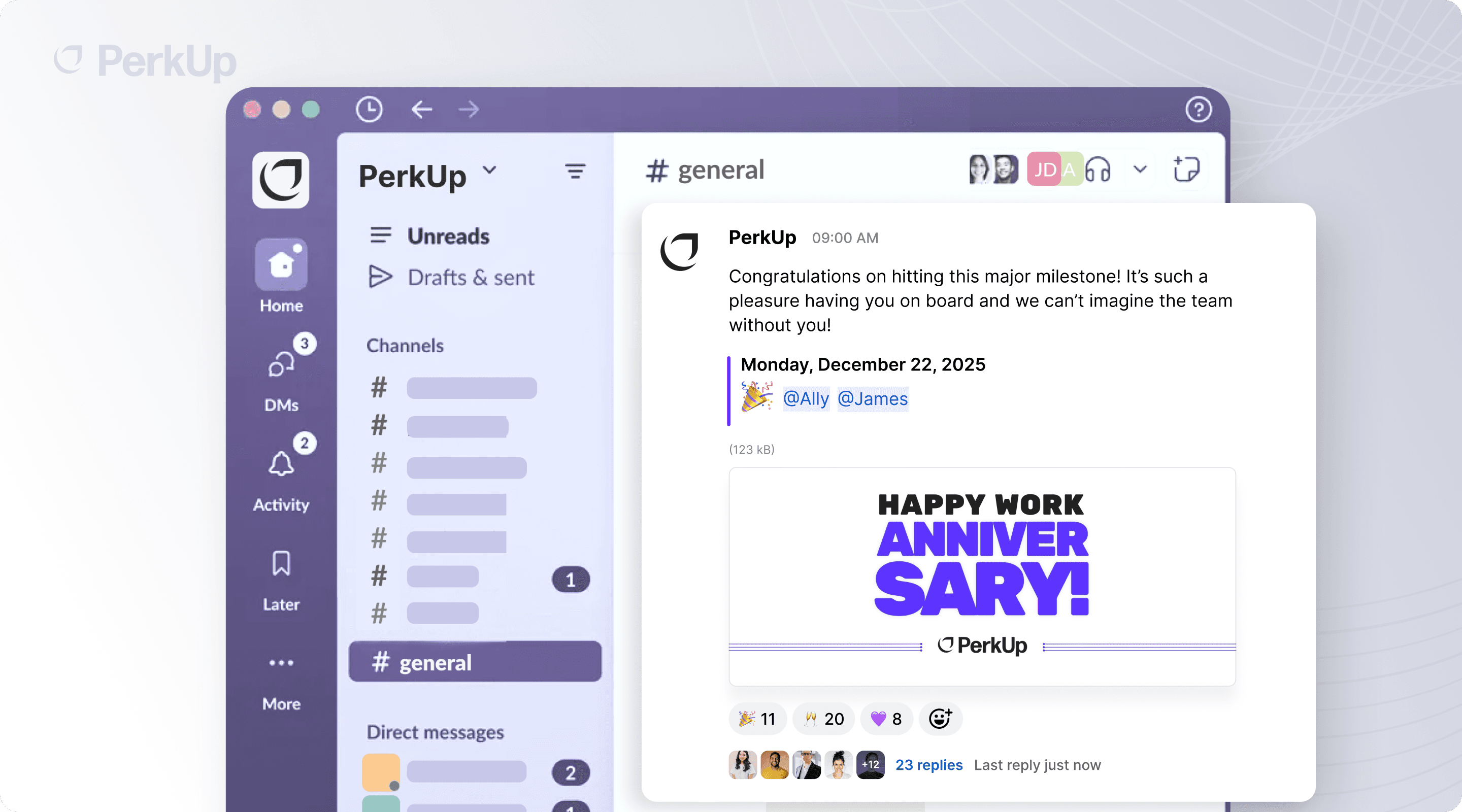
Years of service deserve recognition, and that recognition should scale with tenure. PerkUp lets you create distinct rules for every milestone, whether you’re looking for work anniversary gift ideas for year one or planning something more meaningful for a ten-year celebration. The platform handles employee anniversary gifts at every stage.
Each anniversary rule can trigger multiple actions at once:
Send a reward automatically so the employee receives their gift without anyone having to remember
Notify their manager so they can add a personal note or plan a team celebration
Post a public announcement and share the milestone in Slack so the whole company can celebrate
PerkUp also gives you a calendar view of all upcoming anniversaries, so your team can see what’s ahead. And if there are employees missing start dates in your system, the missing data tab flags them so you can fill in the gaps before a milestone slips by.
Birthday gifts
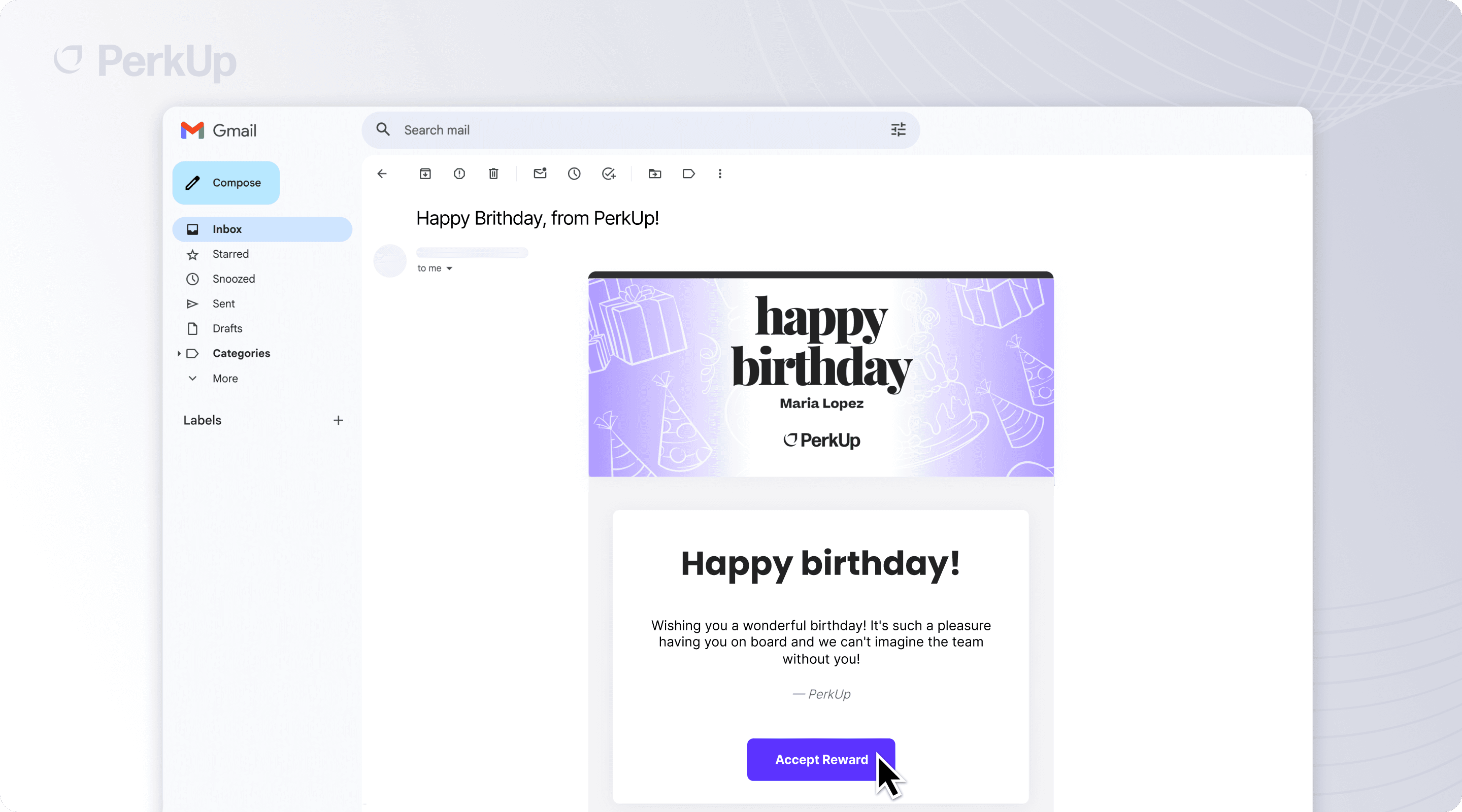
Nobody wants to be the person who forgot a direct report’s birthday. But nobody wants to maintain a birthday spreadsheet either.
When your HRIS syncs birthdays into PerkUp, employee birthday gifts go out automatically on the right day. You can set up rules that send a reward, notify the employee’s manager to write a personal message, or announce the birthday in Slack, or all three.
And because birthdays are personal, PerkUp gives employees control over their own privacy. Team members can choose whether their birthday is visible to admins, managers, peers, or none of the above. The automation still works, but on their terms.
Leave of absence care packages
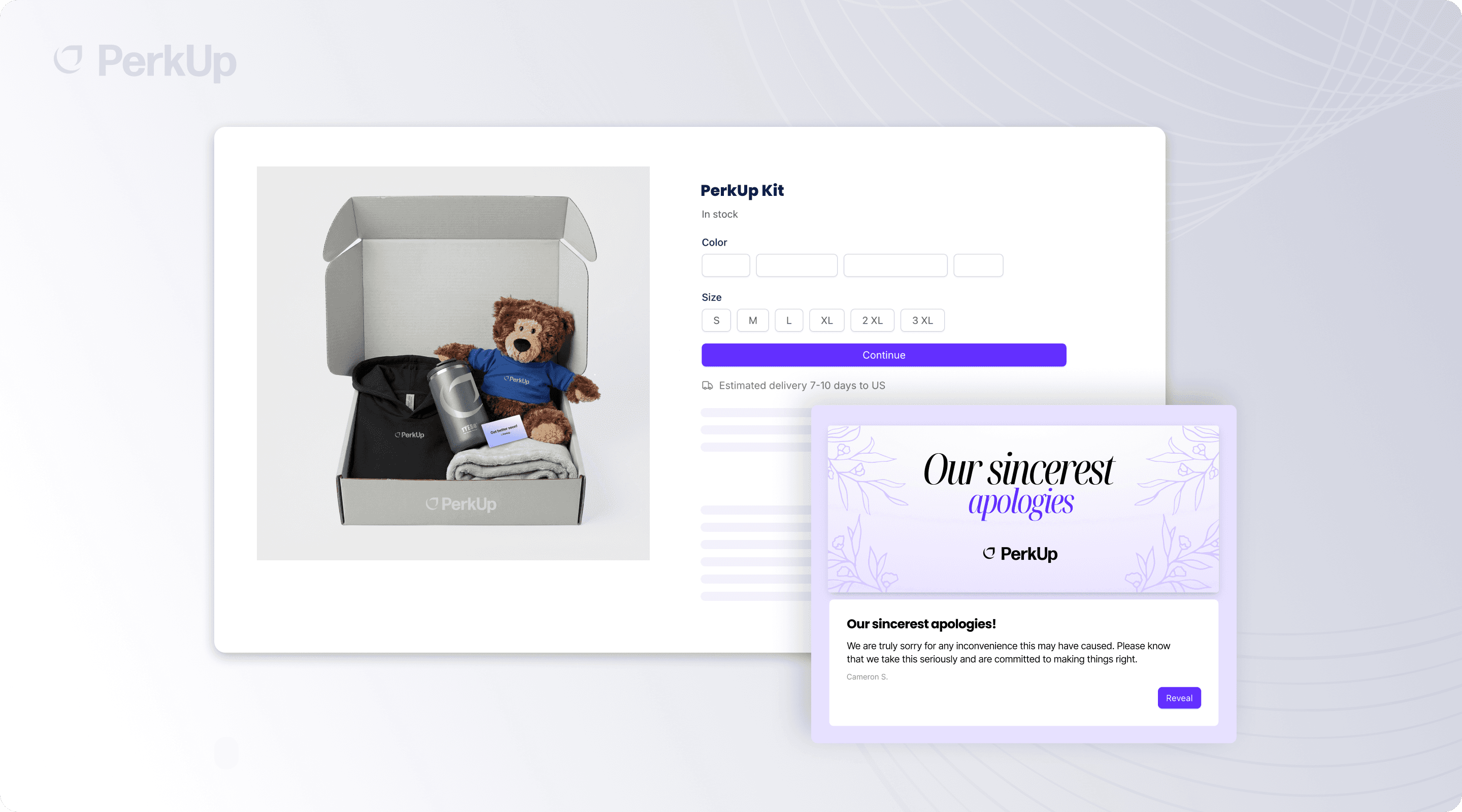
This is one most companies aren’t thinking about but should be.
When an employee goes on parental leave, medical leave, or any other leave of absence, PerkUp can automatically send a care package. Your HRIS syncs the leave start and end dates, and PerkUp triggers the right gift at the right time. These kinds of employee appreciation gifts can make a meaningful difference during moments that matter most.
You can filter by leave type and send something different for parental leave than for medical leave. You can trigger on the start of leave (“thinking of you”), the end of leave (“welcome back”), or both. It’s a small gesture that goes a long way.









How do PerkUp’s smart rules help you target the right people?
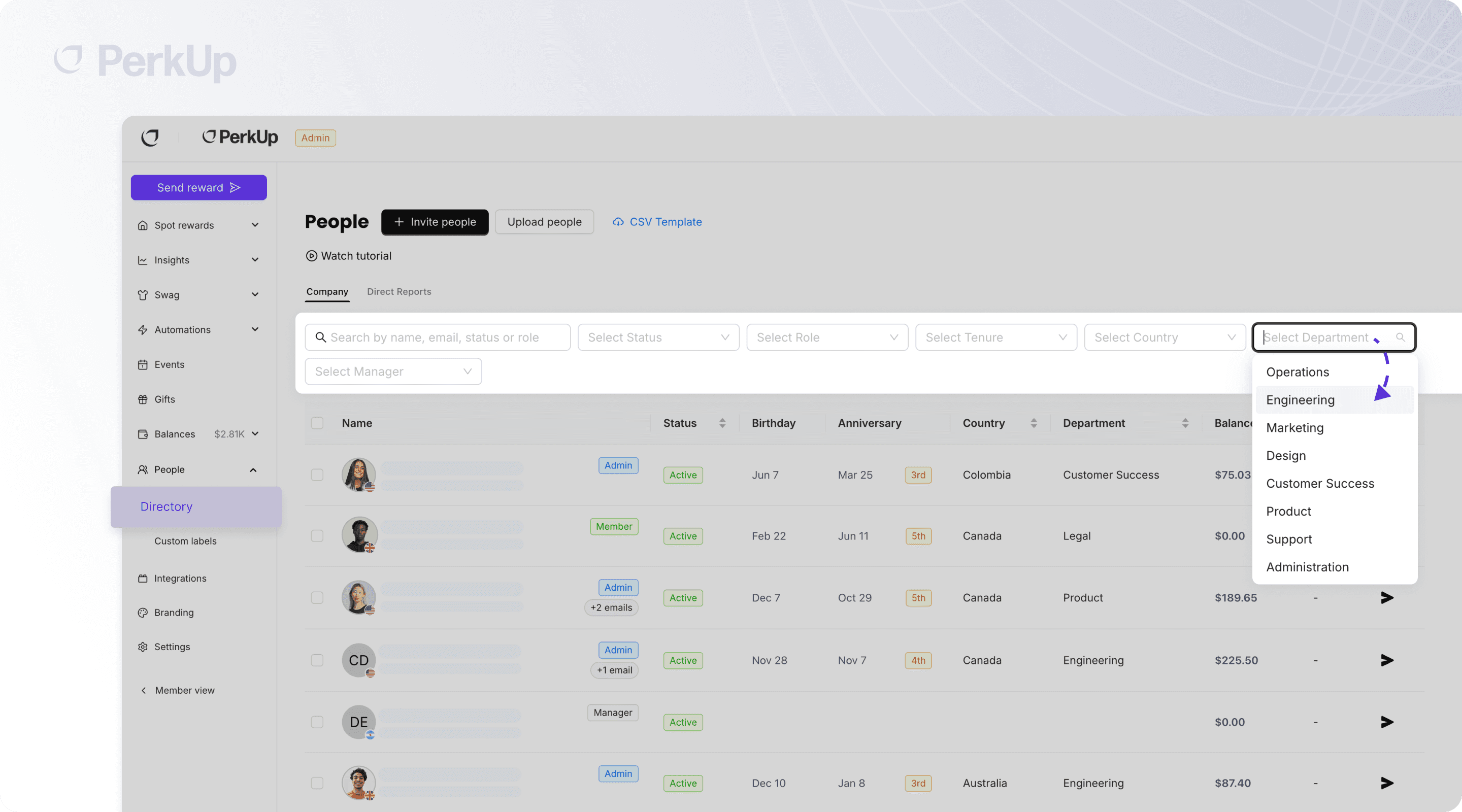
Not every reward fits every employee the same way. PerkUp’s rules engine lets you get specific about who receives what, using the labels and data synced from your HRIS. This is where PerkUp goes from a simple gifting tool to a proper employee rewards platform.
A few examples of what’s possible:
By department: Engineering gets a different anniversary gift than Sales
By country: Employees in Canada receive a reward that makes sense for their location
By employment type: Include full-time employees only, or extend rewards to contractors and interns
Combined criteria: “Full-time employees in Engineering, based in the US, celebrating their 5-year anniversary”, one rule handles it
You can also choose which employment types your HRIS syncs into PerkUp at all. If you don’t want seasonal workers or individual contractors in the system, exclude them at the sync level. This means your rewards budget goes exactly where you intend it to, and nobody receives something that wasn’t meant for them.
How does PerkUp’s HRIS integration work?
The flow is straightforward:
Connect your HRIS by selecting your provider and authorizing the connection
Data syncs automatically as employee profiles, dates, departments, and manager relationships flow into PerkUp
Set up your rules by defining what triggers a reward, who it targets, and what gets sent
PerkUp does the rest as rewards go out on the right day, managers get notified, and Slack announcements post automatically
Once configured, it runs in the background. Your People Ops team gets time back, employees feel recognized at the moments that matter, and nobody has to maintain a spreadsheet ever again. It’s the kind of employee rewards and recognition setup that actually works at scale.
Why choose PerkUp as your employee rewards platform?
HRIS integrations are just one piece of what makes PerkUp a complete employee gifting platform. Beyond automated milestone rewards, PerkUp gives your team access to the largest catalog of swag and gift cards available, with On Demand swag options, bulk items, and 5,000+ gift cards from brands your recipients actually know. Whether the reward is a welcome kit for a new hire in Austin or an anniversary gift for an employee in Berlin, PerkUp handles the sourcing, customization, and fulfillment across 65+ countries.
What makes PerkUp stand out from other employee recognition platform options is how seamlessly everything connects. Your HRIS feeds employee data into PerkUp, your automation rules handle the timing and targeting, and PerkUp’s global fulfillment network makes sure the right gift arrives at the right doorstep. Add in integrations with over 200 tools (including Slack for real-time announcements), a dedicated design agency for custom branding, and real-time reporting to track every order and budget, and you’ve got a platform that’s built to grow with your team.
Make Employee Recognition Automatic
The best employee rewards program is one that runs without constant oversight. PerkUp’s HRIS integrations take the manual work out of milestone recognition, so your team can focus on building a great workplace instead of chasing down start dates and birthday spreadsheets. Whether you’re starting from scratch or replacing a process that’s falling behind, PerkUp makes employee rewards automatic, personal, and scalable. Book a demo to see how it works with your HRIS.

FAQs about PerkUp’s HRIS Integrations
Which HRIS platforms does PerkUp integrate with?
PerkUp integrates with 200+ HRIS and payroll providers, including BambooHR, Rippling, Workday, Paylocity, ADP, HiBob, Gusto, and hundreds more through its integration network. Setup takes minutes and requires no engineering work.
What employee data gets synced from the HRIS?
PerkUp syncs names, emails, start dates, birthdays, departments, locations, custom labels, manager relationships, and employment types. The data stays current automatically, so you never have to deal with CSV uploads or manual updates.
Can I automate different rewards for different milestones?
Yes! PerkUp lets you create distinct automation rules for new hire kits, work anniversaries, birthdays, and leave of absence care packages. Each rule can trigger a reward, notify a manager, and post a Slack announcement, all at once.
Can I target rewards by department, location, or employment type?
Absolutely! PerkUp’s rules engine lets you combine criteria like department, country, and employment type to target exactly who should receive a specific reward. You can also exclude certain employment types from syncing into PerkUp entirely.