Picture this: you’re a global company with a new hire who lives on the other side of the world. She signed the job offer on Tuesday, and she’ll start work in two weeks. That gives you very little time to prepare everything she needs, from her equipment and accounts to the swag kit that can make her first day feel like an actual welcome.
Talya Bauer’s guidelines for the SHRM Foundation break onboarding into four levels: compliance, clarification, culture, and connection. Most companies handle the first one well because paperwork has a deadline. However, remote companies that stop there can end up with someone who’s legally employed and fully set up but completely alone.
That’s where remote onboarding tools come in. The right ones make it easier to give every new hire a good experience, no matter where they’re starting from. And with only 12% of employees strongly agreeing that their company does a great job of onboarding new employees, it becomes increasingly important for you, as a global company, to do a great job welcoming your new hires.
That said, here are five remote onboarding tools worth considering to give your new hire a great welcome experience. Each one handles a different part of the process, so they work best together. For each tool, we’ll look at who it’s best for, what it does, the features worth knowing, and where it falls short.
What does remote onboarding need to cover?
Employment and pay - Getting someone legally employed and paid on time in a country where you may not have a legal entity.
Equipment - Getting a configured, secured laptop into their hands before day one, not during week two.
Knowledge - Somewhere they can look things up at any time without messaging a manager who may be unavailable due to timezone differences.
Communication - A way to explain things without requiring an early call.
Welcome and connection - Proof they joined a company and not just a Slack workspace.
Those five map to Bauer's four levels. Compliance and clarification are usually straightforward. Culture and connection are easier to overlook, even though they're a big part of whether someone is still there a year later.
Some tools cover one part of onboarding, while others handle several. Deel, for example, is a global workforce platform that helps companies hire, manage, and pay workers anywhere compliantly and at scale.
If you're instead looking at the whole process, from sourcing candidates through onboarding, our remote hiring and onboarding tools checklist maps every stage.
Which tools do you need for remote onboarding?
These five platforms solve different parts of remote onboarding, and they work alongside each other once a hire is confirmed. They’re better thought of as layers of the same setup than a sequence of steps. Each one covers something the others don’t.
Deel - global workforce platform
Used for: hiring, paying, and managing workers across 150+ countries
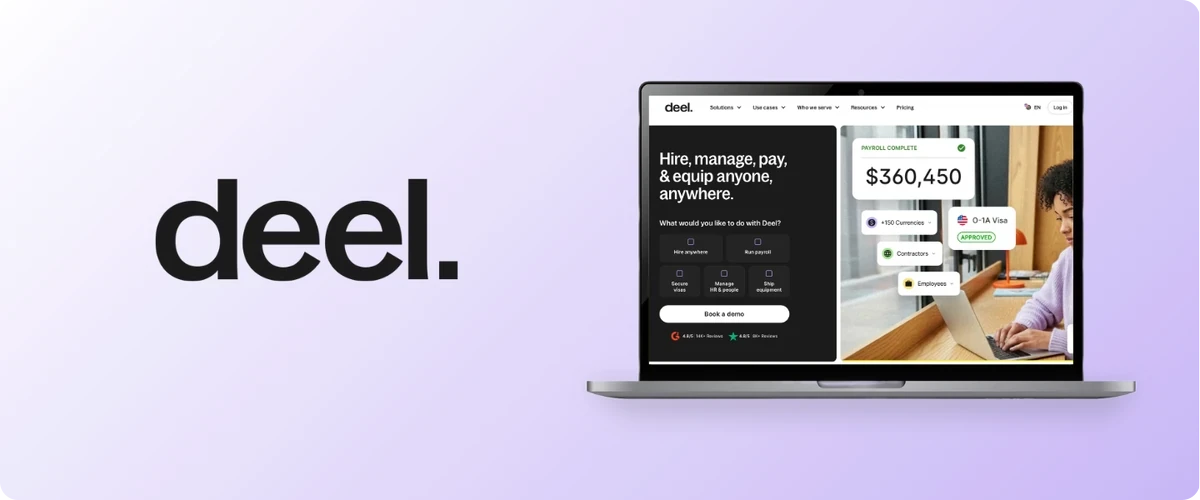
Deel helps companies hire, manage, and pay workers anywhere. The platform is made up of distinct solutions that each have a clear role, including hiring decisions, employment models, HR lifecycle management, payroll and payments, compliance and governance, IT management, benefits, and financial tools
With Deel, compliance runs continuously and adapts as laws and your workforce change. It applies local rules by default across hiring, contracts, payroll, benefits, time off, terminations, and governance.
Main features
Employer of Record and global payroll solutions allowing companies to hire and pay workers across 130+ countries
In-country payroll, statutory benefits administration, tax filings, and local currency payments, backed by in-house legal and HR specialists
Onboarding that can move as fast as one week. The new hire gets an email invite, adds personal and bank details, uploads documents, and signs a locally compliant contract
Device ordering, configuration, MDM enrollment, and global shipping across 130+ countries, timed to the start date, with 24/7 support once the employee is working
HR events can trigger IT actions on their own, so a hire, a role change, or an exit updates app access and device status automatically
Limitations
Deel Payroll assumes you already own a legal entity in the country. Without one, hiring runs through EOR, which carries a different cost structure
What you pay depends on country, worker type, and statutory employer costs, so build the budget from a quote specifically made for your needs
PerkUp - welcome and swag
Used for: sending welcome kits and swag to new hires in 65+ countries without customs surprises

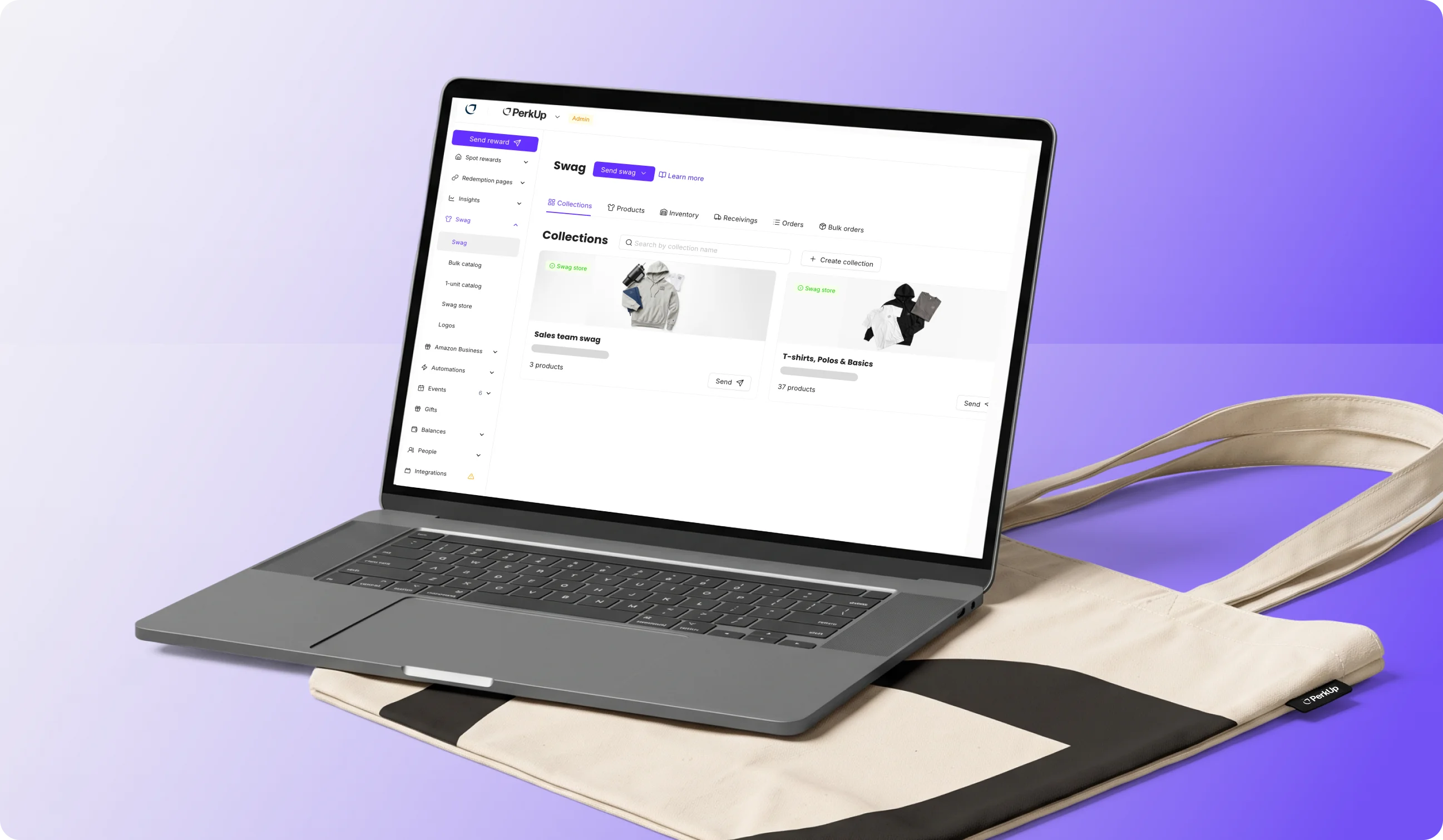
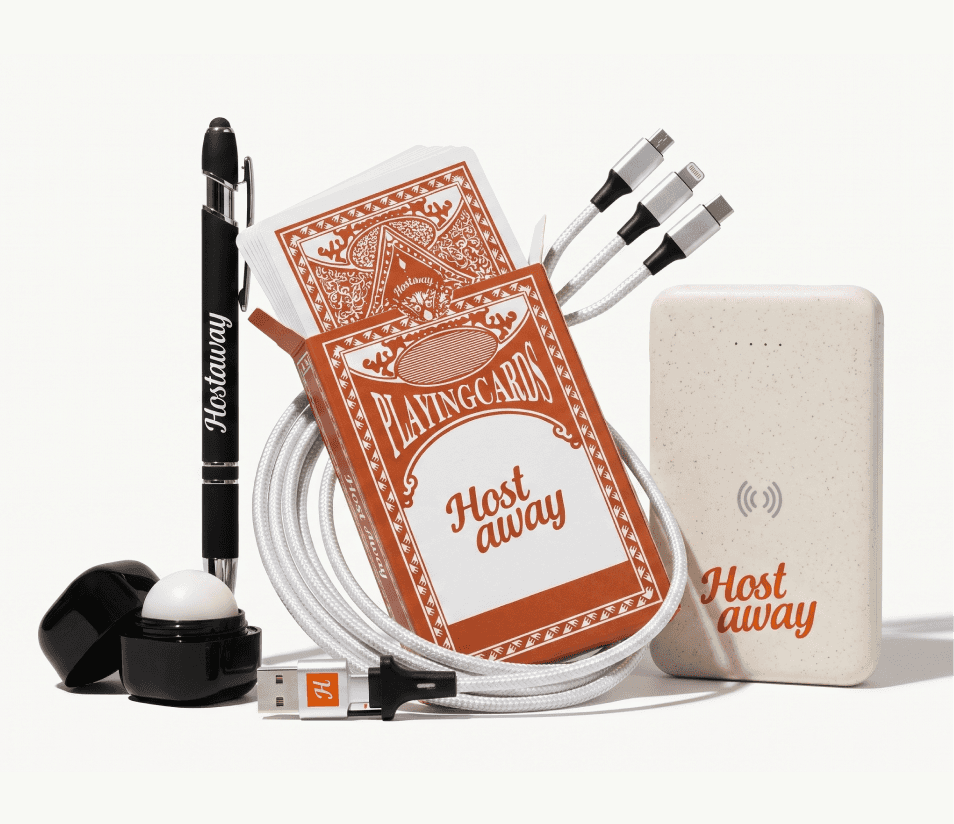
PerkUp handles the physical side of remote onboarding. It’s a swag management and corporate gifting platform built for global teams, with customization, warehousing, and shipping all handled through one platform. Thanks to its global warehousing and supplier network, you can easily ship new hire swag kits to employees in different countries without having to change swag vendors.
What makes PerkUp especially useful for remote onboarding is its automated milestone gifting and 200+ integrations. By connecting your HRIS or platforms like Deel, you can have a swag kit automatically sent to your new hire, set off by a trigger date or milestone. The platform sends your new hire a kit to warehouses close to them, so there are no shipping delays or high shipping costs. And if you’re wondering what should go inside your new hire kit, PerkUp also has a guide to the best new hire swag kits that you can check out for inspiration.
Main features
Swag flexibility that covers bulk swag, On Demand swag, event swag, swag kits, swag stores, and gift cards
A catalog of 1,000+ On Demand swag items, thousands of bulk swag options, and 5,000+ gift cards, including brands like Nike, Stanley, and The North Face, alongside white-label alternatives
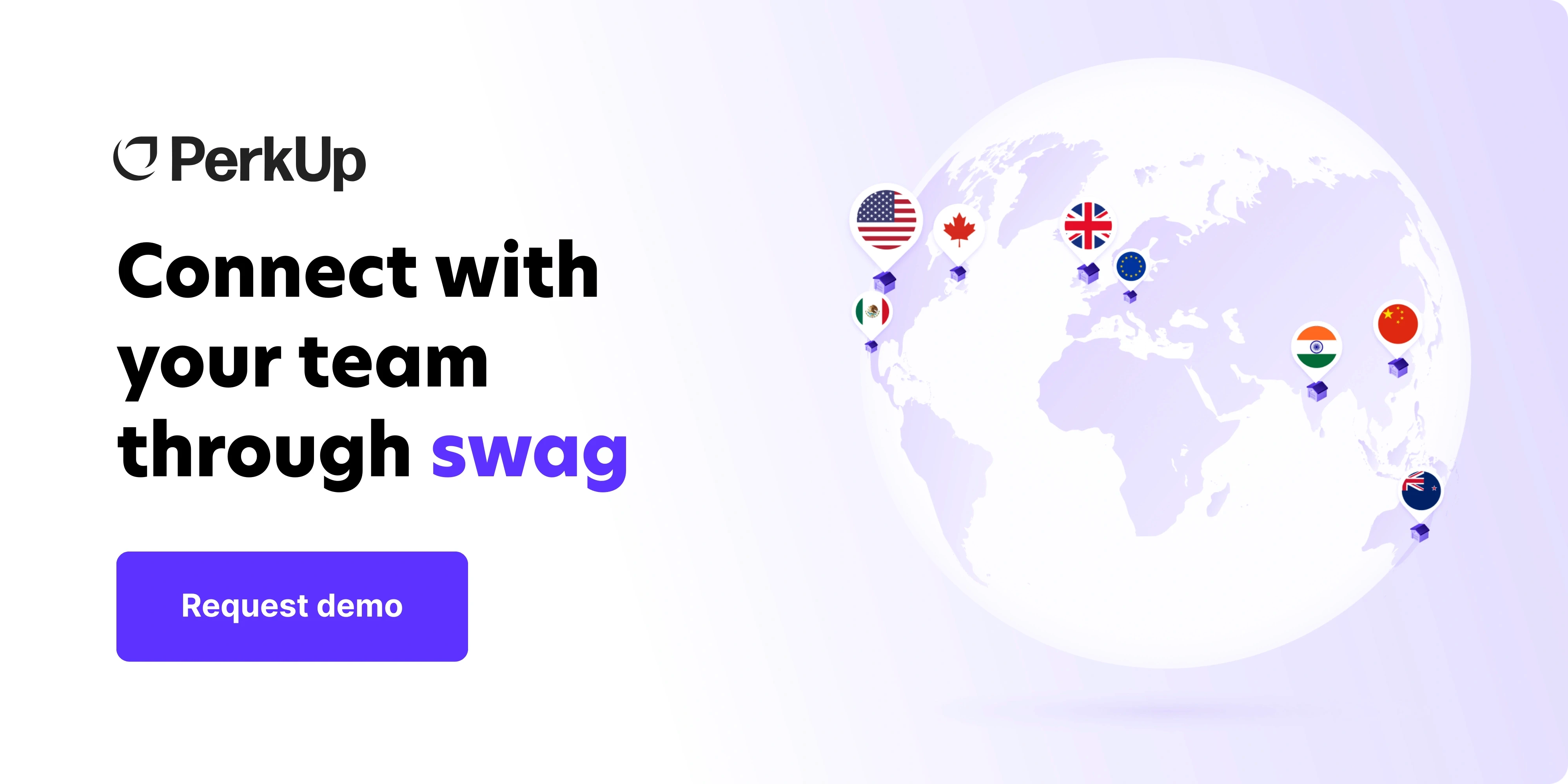
Warehouses across the US, Canada, Mexico, the UK, EU, India, China, and Australia, so most orders travel as domestic shipments
200+ integrations for automated milestone gifting, perfect for remote onboarding, as well as birthdays and work anniversaries
Swag kits are assembled in bulk, warehoused, and shipped from storage within a few business days once a new hire is confirmed
Custom sourcing capabilities that allow you to create swag items built from scratch
Design agency that helps you with the design of your swag items so your new hire swag kits have consistent branding
SOC 2 Type II certification for enterprise-grade security
Sustainability commitments with Pledge 1% and Stripe Climate
Limitations
PerkUp connects to your HRIS rather than replacing it, so you still need a system of record running underneath
No shipping and warehousing in South America, so you can’t send swag to your new hires residing in that location









Trainual - training and knowledge
Used for: building role-based training that new hires can work through on their own
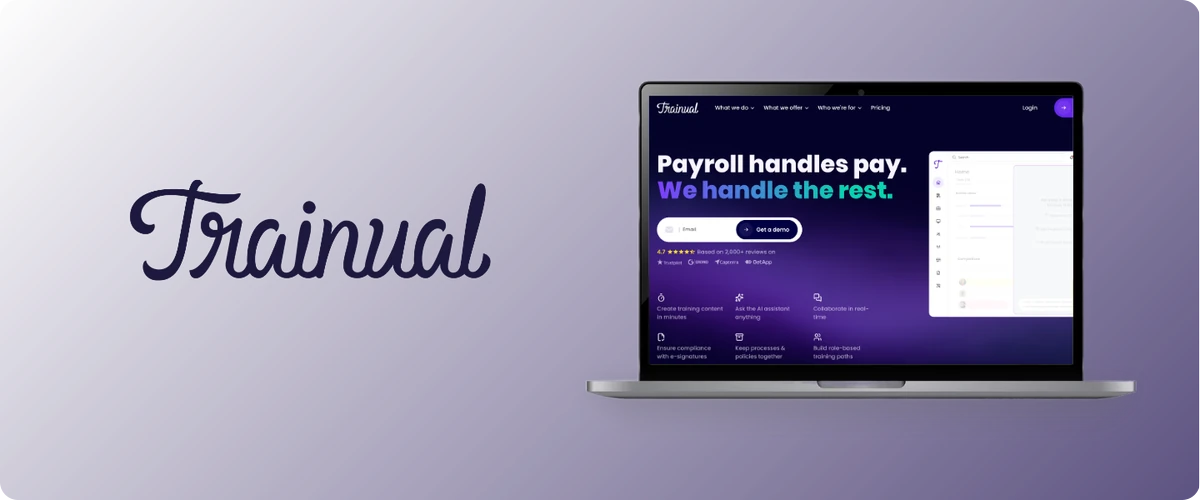
New hires tend to ask the same questions, especially when they can’t turn to the person sitting next to them. Trainual gives you one place to document those answers and turn them into training for each role.
With this platform, you can build onboarding around the processes and policies your team already follows, then assign the right training based on someone's role. That makes it especially useful for remote teams where two people doing the same job might be starting from completely different locations.
The other advantage is that the training stays connected to your actual processes. When something changes, you update the documentation instead of maintaining a separate onboarding guide.
Main features
Role-based training paths built from your documented processes
500+ templates for documenting processes, policies, roles, and responsibilities
AI tools for drafting processes, creating quizzes, and suggesting role responsibilities
Completion tracking, due dates, quizzes, and e-signatures for policies
HRIS integrations with Gusto, BambooHR, and Zenefits, plus SSO and Zapier support
SOC 2 Type 2 certified
Limitations
Trainual is designed mainly for companies with around 25 to 1,000 employees, so very small teams may not need everything it offers
Pricing isn't published, and there's a one-time implementation fee on top of the subscription
Guided implementation typically takes four to six weeks, so it's better to set it up before your next hiring wave rather than while new hires are already coming in
Loom - asynchronous communication
Used for: showing a new hire how something works without adding another meeting
Loom lets you record your screen and camera, then share the video with a link. That makes it useful for welcome messages, process walkthroughs, and anything a manager would otherwise explain live more than once.
For remote onboarding, the biggest advantage is that it feels more personal than a document. A quick video from a manager can give your new hire the context and tone that usually gets lost in written instructions, especially when the team is working across different time zones.
Main features
Screen and camera recording from desktop, mobile, or Chrome
Transcripts and closed captions in 50+ languages
Comments, emoji reactions, tasks, and calls to action on videos
Editing tools for trimming clips, adding text and arrows, and removing filler words on AI plans
Viewer insights showing who watched and how much of the video they completed
Integrations with Slack, Gmail, Jira, Confluence, Notion, and other workplace tools
Limitations
The free Starter plan limits each person to 25 videos and five minutes per recording, which can get restrictive if you're building a larger onboarding library
Viewer insights show whether someone watched the video, but not whether they understood it, so Loom works better alongside a tool that can track training completion
SSO and SCIM require the Enterprise plan, and available features can vary depending on whether you purchase through Loom or Atlassian
Donut - connection and belonging
Used for: helping remote new hires meet the right people early
The social side of onboarding is easy to miss when everyone works remotely. Donut runs inside Slack and Microsoft Teams and helps set up introductions, buddy pairings, and check-ins without someone having to organize each one manually.
For onboarding, Journeys is the part that matters most. You build the flow once, decide who should be involved with each new hire, and Donut runs the same process for the people who join after them.
Main features
Automated onboarding journeys with scheduled messages, check-ins, and tasks
Buddy matching and introductions to teammates, managers, and other people a new hire should know
Custom roles for people involved in onboarding, such as HR, IT, payroll, or an onboarding buddy
Matching based on manager, department, or HRIS data
Watercooler prompts, birthdays, work anniversaries, and peer recognition for ongoing team connection
Integrations with Slack, Microsoft Teams, Zoom, Workday, Outlook, Google Calendar, and Figma
Reporting that shows how new hires are moving through their onboarding journey
Limitations
Most of the experience happens inside Slack or Microsoft Teams, so the new hire needs access before much of it can start
There’s no separate new hire portal, since admins manage everything through the Journeys dashboard
Key Takeaway
You probably don’t need all five of these on day one. Most teams already have some of the basics covered. Start with whatever is missing on your stack.
If your last international hire waited weeks to get paid properly, look at Deel. If managers keep explaining the same process to every new hire, Trainual can take that off their plate. If people are getting through week one without really knowing anyone, Donut is built for that. And if a welcome kit has ever shown up late with a customs bill attached, that is where PerkUp comes in.
Frequently Asked Questions
What should connect to your HRIS in a remote onboarding setup?
Anything that needs to happen because someone is hired, changes roles, or leaves should connect back to your HRIS. That can include payroll, device access, training, buddy assignments, and new hire swag. Deel connects hiring, HR, payroll, and IT, while Trainual can use HRIS data to assign training by role. Donut can use the same data to assign people like an onboarding buddy, and PerkUp can use a new hire’s start date to trigger their welcome kit. The more of this you connect, the less your team has to manage through spreadsheets and manual uploads.
How long does it take to get a remote onboarding setup running?
It depends on the tools, and you can set most of them up at the same time. Deel can onboard an individual hire in as little as one week once your account is ready. Trainual’s guided implementation typically takes four to six weeks. PerkUp usually takes two to three weeks to set up your HRIS integration, brand kit, catalog, and first program. If you’re producing new hire kits in bulk for the first time, give yourself about five weeks for production, kitting, and approvals. Once inventory is ready, future kits can ship within a few business days.
How do remote onboarding tools usually price?
Pricing depends on what the tool actually handles. Employment and payroll platforms usually charge per worker, with pricing changing by country and worker type. Tools like video and communication platforms are more likely to charge per seat, often with a free plan and limits on usage. Training, onboarding, and swag platforms are more likely to use custom pricing because the setup can vary by company. Check for implementation fees too, since those may be separate from the subscription price.
Can one platform cover all of remote onboarding?
Usually, no. A platform might cover several parts well, but remote onboarding still spans employment, equipment, training, communication, and the employee experience. Deel covers a large part of the operational side because hiring, HR, payroll, and IT can work together in the same system. You’ll still likely use other tools for training, async video, team introductions, or new hire swag. The goal should be a smaller set of tools that work well together and don’t make your team enter the same information twice.
How do you onboard a remote employee in another country?
Start with the things that take the longest. Make sure the employee can legally work and get paid in their country, then get their equipment ordered early enough to arrive before day one. Have their training ready before they log in, and record any walkthroughs that would otherwise require someone to join a call from another time zone.
You also want to make sure they know who to go to with questions and have some kind of welcome waiting for them. For international hires, the problems usually come from starting these tasks too late, especially anything involving employment, equipment, or shipping.